
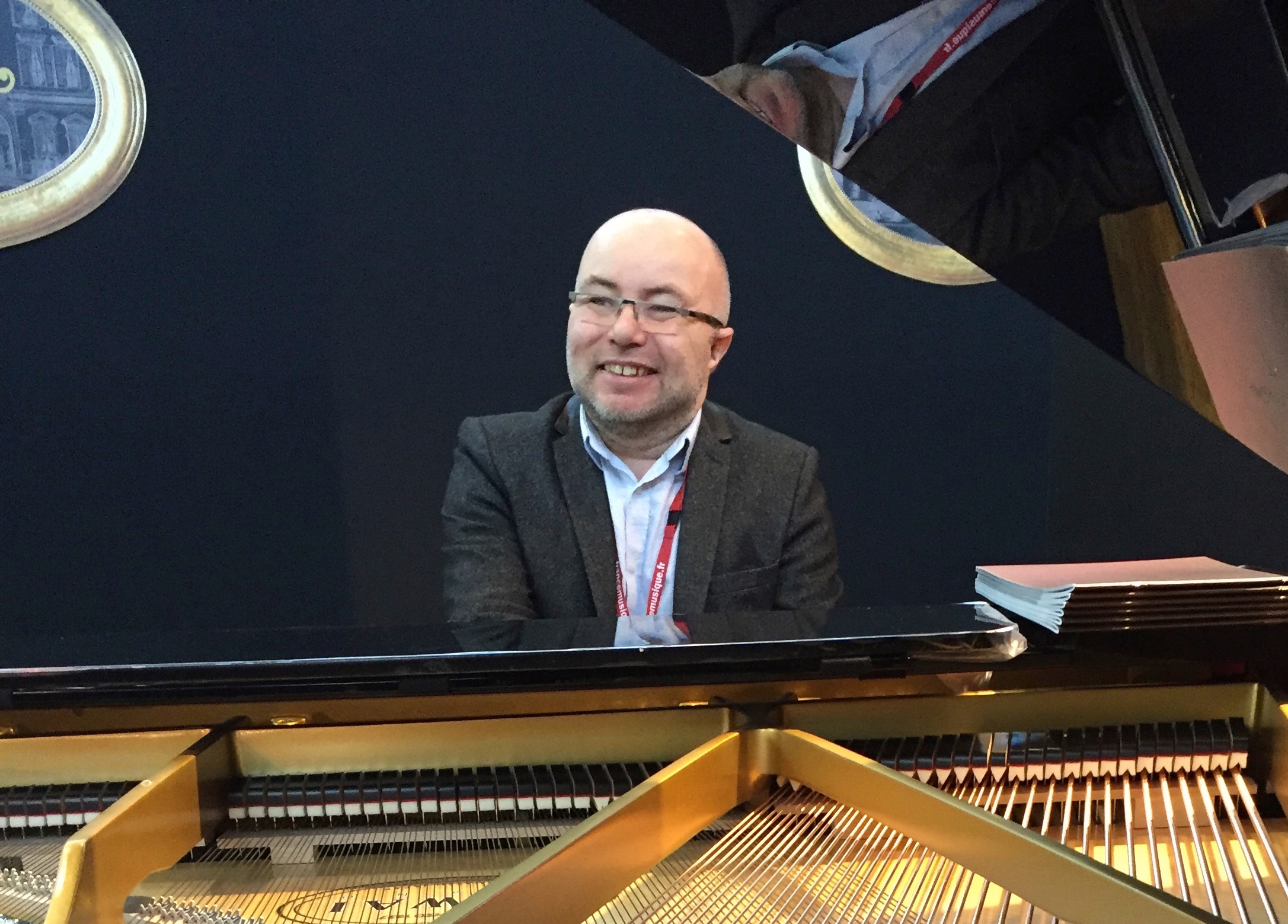

Stephane Boussuge
-
Posts
1,116 -
Joined
-
Last visited






Recent Profile Visitors
12,064 profile views




-
 Stephane Boussuge reacted to a post in a topic:
ChatGPT - Opusmodus GPT
Stephane Boussuge reacted to a post in a topic:
ChatGPT - Opusmodus GPT
-
opmo reacted to a post in a topic:
Steinberg Halion Sound-Set options
-
Designing sound sets and instruments sets – Working with VI plugins with Opusmodus (level 2) - Composer Workshop WWW.COMPOSERWORKSHOP.COM <span>This level 2 course focuses on designing sound sets and working with VI plugins in Opusmodus. It is intended for users who already have some experience with Opusmodus and want to learn new techniques for driving virtual instruments plugins directly from Opusmodus, managing the playback, articulations and controllers to enhance their composition workflow and output sound... OM works fantastically well with sound sets and controllers, program changes etc... I'm using it every day to drive a very big amount of plugins of any types, I don't have Halion but I'm sure it is not a problem. Here you can find my course on sound sets design.
-
This function exist nowhere David, it was made by Jesele. I you copy the code of the function definition and evaluate it, you will be able to use it.
-
(omn-encode '(e e e -e e e_q))
-
No, I don't know but possibly a bug in decode/encode process, Janusz ?
-
 Sorry
Sorry -
Dear Jesper, the seed in OM is a bit special, to use correctly without broke the overall seeds I think it is better to program your nice scramble function that way: (defun scramble (lst &key seed) (setf state *init-seed*) (setf seed (rnd-seed seed)) (do-verbose ("scramble seed: ~s" seed) (let ((positions (rnd-order (loop for i to (- (length lst) 1) collect i) :seed seed))) (loop for pos in positions collect (nth pos lst))) )) It allow also the display of the seed when you call the function. But you could use rnd-order that way: (rnd-order '(e e e -e e e_q) :encode nil)
-
the version 3 is very different (much better and faster response) and I don't have any more the version 2 installed, so I can't have a look, sorry.
-
is it Opusmodus 3 ?
-
jon reacted to a post in a topic:
Piano on three staves?
-
You can use the function ambitus-filter.
-
jesele reacted to a post in a topic:
Piano on three staves?
-
;;; LAYOUT DESIGN EXAMPLE ;;; HOW TO DESIGN YOUR OWN LAYOUT IN OM. ;;; TRIPLE PIANO LAYOUT EXAMPLE: (defun piano-triple-layout (line1 line2 line3) (list (brace-group `(:treble ,line1) `(:treble ,line2) `(:bass ,line3) :name "Piano"))) ;;; Test (setf line1 (make-omn :pitch (rnd-sample 32 (make-scale 'g4 16)) :length (gen-loop 8 (fit-to-span 4/4 (rnd-sample 16 '(s s -s q e e -q h h q q -e e e)))) )) (setf line2 (make-omn :pitch (rnd-sample 32 (make-scale 'a3 16)) :length (gen-loop 8 (fit-to-span 4/4 (rnd-sample 16 '(s s -s q e e -q h h q q -e e e)))) )) (setf line3 (make-omn :pitch (rnd-sample 32 (make-scale 'c2 16)) :length (gen-loop 8 (fit-to-span 4/4 (rnd-sample 16 '(-q h h q )))) )) (def-score temp ( :key-signature 'chromatic :time-signature '(4 4) :composer "Stéphane Boussuge" :copyright "Copyright © 2017 s.boussuge" :tempo 71 :layout (piano-triple-layout 'p1 'p2 'p3) ) (p1 :omn line1 :port "bus 6" :channel 1 :sound 'gm :program 'acoustic-grand-piano ) (p2 :omn line2 :port "bus 6" :channel 1 :sound 'gm :program 'acoustic-grand-piano ) (p3 :omn line3 :port "bus 6" :channel 1 :sound 'gm :program 'acoustic-grand-piano ) )
-
Stephane Boussuge reacted to a comment:
Non Linear Abstraction I
-
AM reacted to a post in a topic:
Function for direction/trajectory?
-
Iti is very easy with OM to do pitch trajectories by generating some vectors and use vector-map to map then on anything. A good suggestion for controlled vector generation could be gen-tendency function.
-
jesele reacted to a post in a topic:
Function for direction/trajectory?
-
AM reacted to a post in a topic:
Function for direction/trajectory?
-
Stephane Boussuge reacted to a post in a topic:
order/disorder (2019 rev. 2023)
-
reverse to "expand-tonality"
Stephane Boussuge replied to Mauricio's topic in Support & Troubleshooting
Very good and interesting, thank you all for this. -
Stephane Boussuge reacted to a post in a topic:
reverse to "expand-tonality"
-
Here's function I've made few years ago, hope it help: ;;;=================================== ;;; PITCH-TRAJECTORY ;;;=================================== ;;; SB 1.11.21 ;;;=================================== (defun pitch-trajectory (nbpitch range tendency &key (variance 0.5) (type :around) (quantize 1/2) (smooth 1) filter-repeat seed (output 'pitch) (int-range '(0 24)) ) (setf seed (rnd-seed seed)) (do-verbose ("pitch-trajectory :seed ~s" seed) (let* ((values (gen-tendency nbpitch tendency :variance variance :type type :seed (seed))) (smoothedval (vector-smooth smooth values)) (out (cond ((equal output 'pitch) (vector-to-pitch range smoothedval :quantize quantize)) ((equal output 'int) (vector-round (car int-range) (cadr int-range) smoothedval))))) (if filter-repeat (filter-repeat filter-repeat out) out)))) #| ;;; Test du bon fonctionnement du seed (progn (init-seed 1) (rnd-sample 4 '(c4 d4 e4 f4)) (rnd-sample 4 '(c4 d4 e4 f4)) (pitch-trajectory 32 '(c4 g5) '(0.1 1 0.1)) (init-seed nil) ) ;;; Tests divers (pitch-trajectory 32 '(c4 g5) '(0.1 1 0.1) :seed 1234) (pitch-trajectory 32 '(c4 g5) '(0.1 1 0.1) :seed 1234 :filter-repeat 1) (pitch-trajectory 32 '(c4 g5) '(0.1 1 0.1) :seed 1234 :filter-repeat 1 :variance 1 ) (pitch-trajectory 32 '(c4 g5) '(0.1 1 0.1) :seed 1234 :filter-repeat 1 :variance 0.1 ) (pitch-trajectory 32 '(c4 g5) '(0.1 1 0.1) :seed 1234 :filter-repeat 1 :smooth 0.1 ) (pitch-trajectory 32 '(c4 g5) '(0.1 1 0.1) :seed 1234 :filter-repeat 1 :quantize 1/4 ) (pitch-trajectory 32 '(c4 g5) '(0.1 1 0.1) :seed 1234 :filter-repeat 1 :quantize 1/8 ) (pitch-trajectory 32 '(c4 g5) '(0.1 1 0.1) :seed 1234 :filter-repeat 1 :variance 1 :quantize 1/8 ) (gen-filter-change (pitch-trajectory 32 '(c4 g5) '(0.1 1 0.1) :seed 1234) 's) ;;; pitch-ouput (pitch-list-plot (pitch-trajectory 128 '(fs3 g5) '(0.1 1 0.1) :filter-repeat 1 :variance 0.8 :output 'pitch )) ;;; integer-output for MAPPING (list-plot (pitch-trajectory 128 '(fs3 g5) '(0.1 1 0.1) :filter-repeat 1 :variance 0.8 :output 'int :int-range '(0 23) )) ;;; MAPPING the integers on a scale or pitchfield (loop for i in (pitch-trajectory 128 '(fs3 g5) '(0.1 1 0.1) :filter-repeat 1 :variance 0.8 :output 'int :int-range '(0 23)) with scale = (make-scale 'c2 24 :alt '(1 2)) collect (nth i scale)) (loop for i in (pitch-trajectory 128 '(fs3 g5) '(0.1 3 0.1) :filter-repeat 1 :variance 0.9 :output 'int :int-range '(0 23)) with scale = (make-scale 'c2 24 :alt '(2 1 6 5 4)) collect (nth i scale)) ;;; an example with MAPPING and SAMPLING (progn (setf seq (loop for i in (pitch-trajectory 64 '(fs2 g6) '(0.1 3 0.1) :filter-repeat 1 :variance 0.4 :output 'int :int-range '(0 23)) with scale = (make-scale 'c2 24 :alt '(2 1 6 5 4)) collect (nth i scale))) (make-omn :pitch (flatten (loop repeat 20 collect (rnd-sample-seq (rnd-pick '(11 17 29)) seq))) :length (rnd-sample 20 '((s s s s)(t t t t t t t t)(e e))) )) |# It comes from this interesting discussion with Andre:
-
Robert spoke about my template/Lesson on composerworkshop.com: https://www.composerworkshop.com/courses/template-infinite-variations-trio-for-alto-flute-harp-and-piano/